
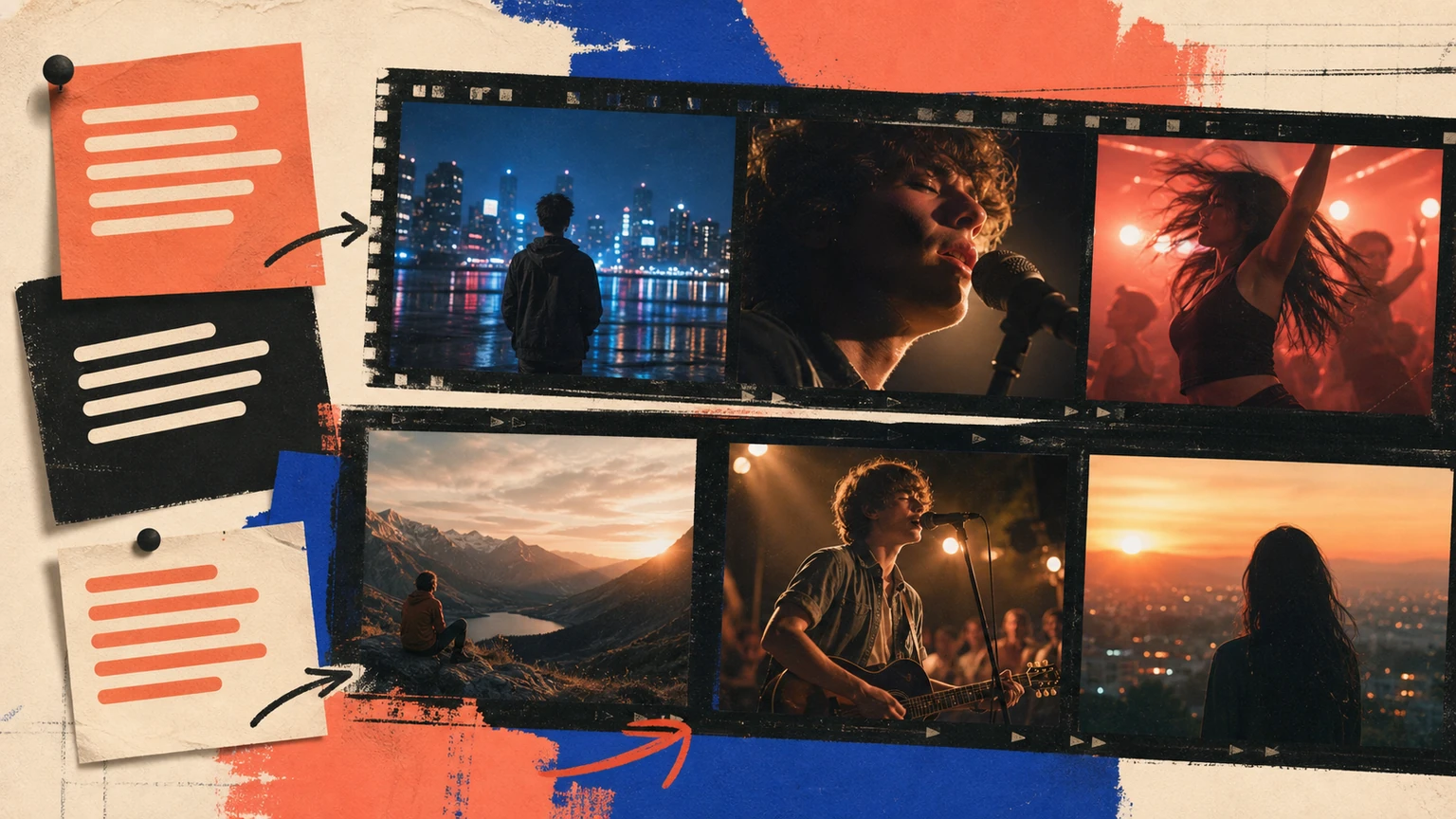
Lyrics already contain visual decisions: people, places, objects, time, and emotional changes. The task is choosing which lines deserve literal images and which need contrast. Make those choices before opening an AI music video generator from lyrics.
The same workflow applies to lyrics to video AI and AI lyric video generator; the source material changes, but the viewing test doesn't.
Start with the decision that changes the result
Underline concrete nouns and turning points, then group lines into scenes that can recur.
Start with the listener's experience in one sentence. Add style terms only when they change that experience.
Build a brief around the actual task
Anchor the brief in the real use and the material already available. Then request one change you can verify.
Try this prompt
Create lyrics into a shot list that tells one readable story. Base it on a breakup song told through archived photos and deleted messages. Use story-led music video, with recurring locations, visual motifs, clear chorus image, and fewer stronger shots. Keep the first verse restrained, let the chorus open up, and finish without a long fade.
Map the song before making visuals
Mark the intro, verse, chorus, bridge, and ending. You don’t need a production spreadsheet. A time stamp plus one sentence per section works. The chorus should usually repeat a visual idea, while the bridge can break the pattern.
Pick one subject, two locations, and a small color set. Random scene generation looks busy fast, especially in vertical video. Repeating a face, object, room, or camera move makes separate clips feel related.
Cut to musical change, not every beat
Constant cutting wears people out. Save larger shot changes for a new section, a drum entrance, a vocal pause, or the hook. Captions need enough time to read on a phone. Test the final clip muted too, since social feeds often start without sound.
Keep a useful test note
Save the exact brief beside each result, because memory gets unreliable once you’ve heard several versions and the newest take starts sounding better simply because it’s new.
Easy mistake.
Write one sentence about the strongest moment and another about the first place your attention drifts, then revise only the instruction connected to that moment.
Leave everything else alone.
If you change the mood, instruments, vocal, pace, and structure together, you won’t know which choice fixed the song or which one caused a new problem.
A second listener can help, especially when you ask a narrow question such as whether the chorus arrives clearly, instead of asking if the whole song is good.
That’s enough feedback.
After two or three focused revisions, return to the original idea and check that the specific person, scene, or use hasn’t disappeared under production instructions.
Don't illustrate every line
Literal coverage becomes exhausting and leaves no room for interpretation. Choose one image for a group of lines, then change location, scale, or motion at the chorus. A repeated object can connect scenes more cleanly than a new concept every five seconds.
Use the first output as evidence. One targeted change will show whether your diagnosis was right.
Complete the workflow in Musiko AI
Musiko AI keeps the starting point simple for a beginner: use the finished Musiko lyric and song structure as the timing map for a later video workflow. Easy Mode works when a plain description is enough; Custom Mode is better when lyrics or vocal direction need separate control.
Test both results where they'll actually be used. Save the version that solves the task, along with the wording that got it there.