
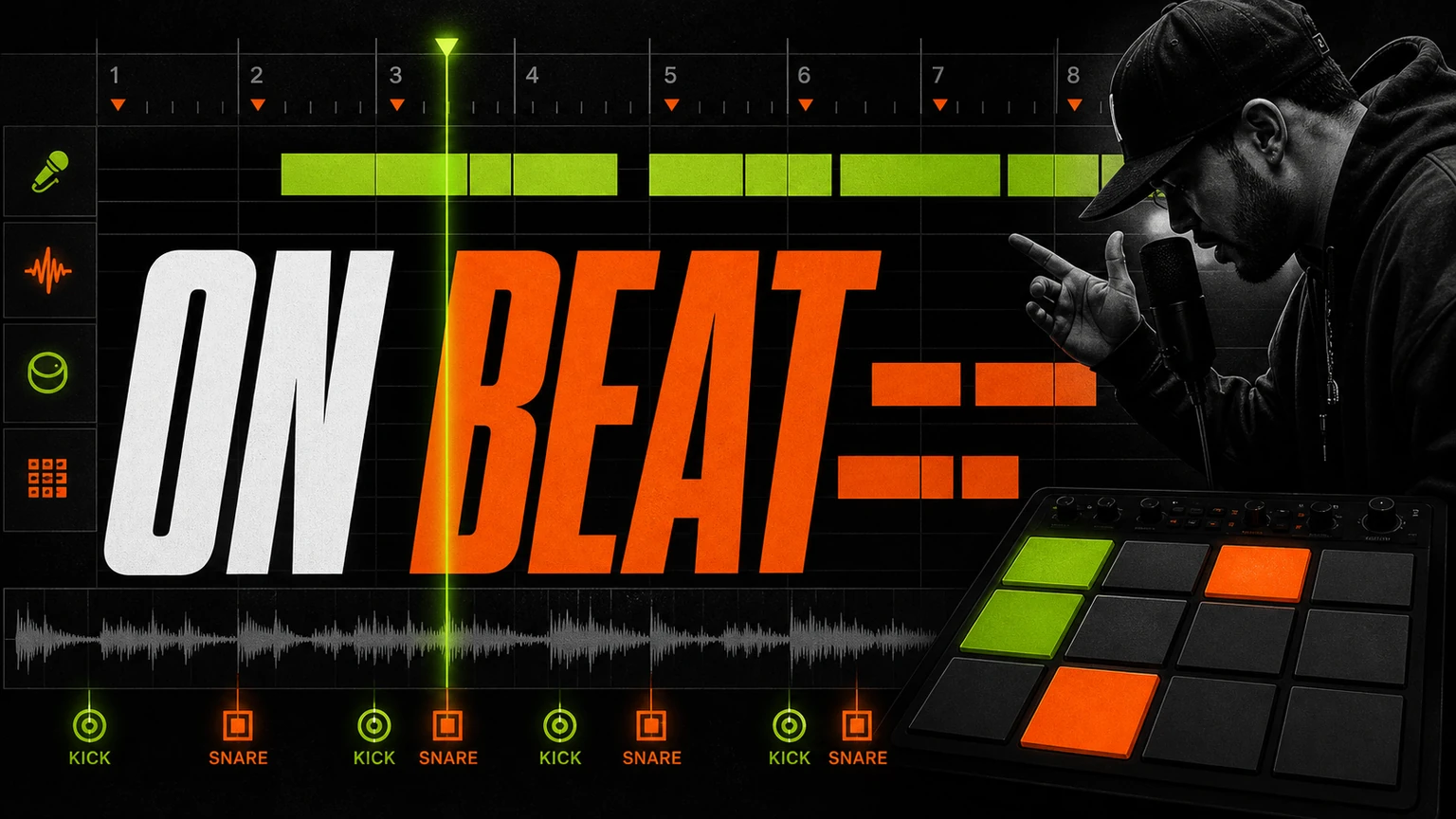
Rap lyrics fit a beat when stresses land with the drums and the rapper has somewhere to breathe. Perfect rhyme doesn't matter if the line overruns the bar. Start there before asking an AI rap lyrics generator with beat to fill in the music.
The same workflow applies to AI rap lyrics and AI rap song generator; the source material changes, but the listening test doesn't.
Start with the decision that changes the result
Tap the kick and snare, speak the line in rhythm, and mark the word that deserves the strongest beat.
State the job in everyday language. A label may guide the model, but the job tells you whether the result works.
Build a brief around the actual task
Protect the task, the intended audience, and one noticeable change. A compact brief makes the next revision much easier.
Try this prompt
Create written bars into a rap that lands on the beat. Base it on a playful reply to a friend who always sends late memes. Use bouncy modern rap, with tight hi-hats, clipped bass, and short vocal phrases. Keep the first verse restrained, let the chorus open up, and finish without a long fade.
Make every section do a different job
A verse earns attention with detail. The pre-chorus raises pressure. The chorus says the thought that survives after the track ends. Don’t make all three restate the same sentence with new rhymes.
Check the lyric out loud over a steady tap. Lines that look clever on screen can buckle once sung. Shorten crowded phrases, move the plainest word to the strongest beat, and keep one unusual detail. Perfect rhyme is optional. Natural speech isn’t.
Fix a draft without erasing its personality
Change one layer at a time. First fix the point of view, then the section purpose, then rhythm, then rhyme. Asking AI to ‘make everything better’ usually trades specific lines for smooth filler. A narrow request such as ‘keep the meaning, cut two syllables, and avoid abstract words’ gives a cleaner revision.
Keep a useful test note
Save the exact brief beside each result, because memory gets unreliable once you’ve heard several versions and the newest take starts sounding better simply because it’s new.
Easy mistake.
Write one sentence about the strongest moment and another about the first place your attention drifts, then revise only the instruction connected to that moment.
Leave everything else alone.
If you change the mood, instruments, vocal, pace, and structure together, you won’t know which choice fixed the song or which one caused a new problem.
A second listener can help, especially when you ask a narrow question such as whether the chorus arrives clearly, instead of asking if the whole song is good.
That’s enough feedback.
After two or three focused revisions, return to the original idea and check that the specific person, scene, or use hasn’t disappeared under production instructions.
Repair flow one bar at a time
Cut filler before changing the rhyme. If a line still rushes, split the thought across two bars or replace a long phrase with a shorter spoken version. Leave a pocket after a dense run so the next line can hit cleanly.
The next prompt should repair one observable problem. Rebuilding everything throws away information from the first attempt.
Complete the workflow in Musiko AI
Musiko AI keeps the starting point simple for a beginner: use AI Rap or Custom Mode after the lyric already fits a spoken pulse. Easy Mode works when a plain description is enough; Custom Mode is better when lyrics or vocal direction need separate control.
Use the pair of results as a controlled comparison. Choose the stronger foundation and store the exact brief with it.